Turning a beautiful Figma design into a real working app used to take weeks. Designers would create stunning screens, then developers had to rebuild everything from scratch. The process was slow, expensive, and full of small errors. Because of this gap, many great ideas never became real products.
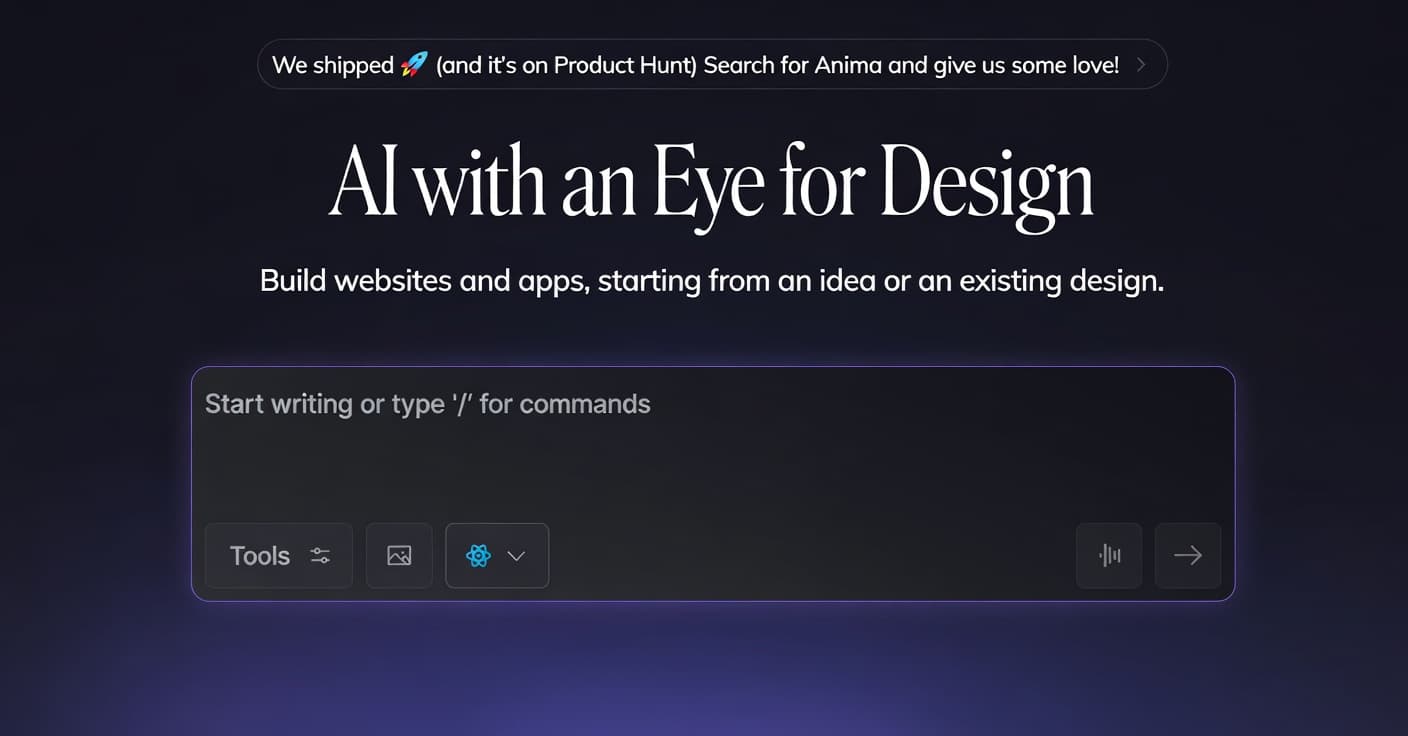
Anima fixes this problem. It is a free AI tool at dev.animaapp.com that turns your Figma design or simple idea into a real working app with clean code in minutes. You get ready-to-use code that you can run, edit, and launch immediately. Instead of waiting weeks to see your product live, you can generate a working version almost instantly.
Who Can Use Anima And What You Can Build
The best thing about Anima is that anyone can use it. You do not need a big team or a big budget. Solo designers, developers, startup founders, freelancers, and students can build real apps quickly and for free.
Anima is ideal for modern websites and web apps. It generates clean code in React, HTML, Tailwind, and more. It is not just a simple converter. Its smart AI understands design structure and recreates layouts, spacing, and components accurately. You can build landing pages, dashboards, mobile web apps, or even recreate popular site layouts. There is no need to hire expensive developers just to build your first version.
Four Steps to Build Your First App
From design to live app, the entire process takes only minutes.
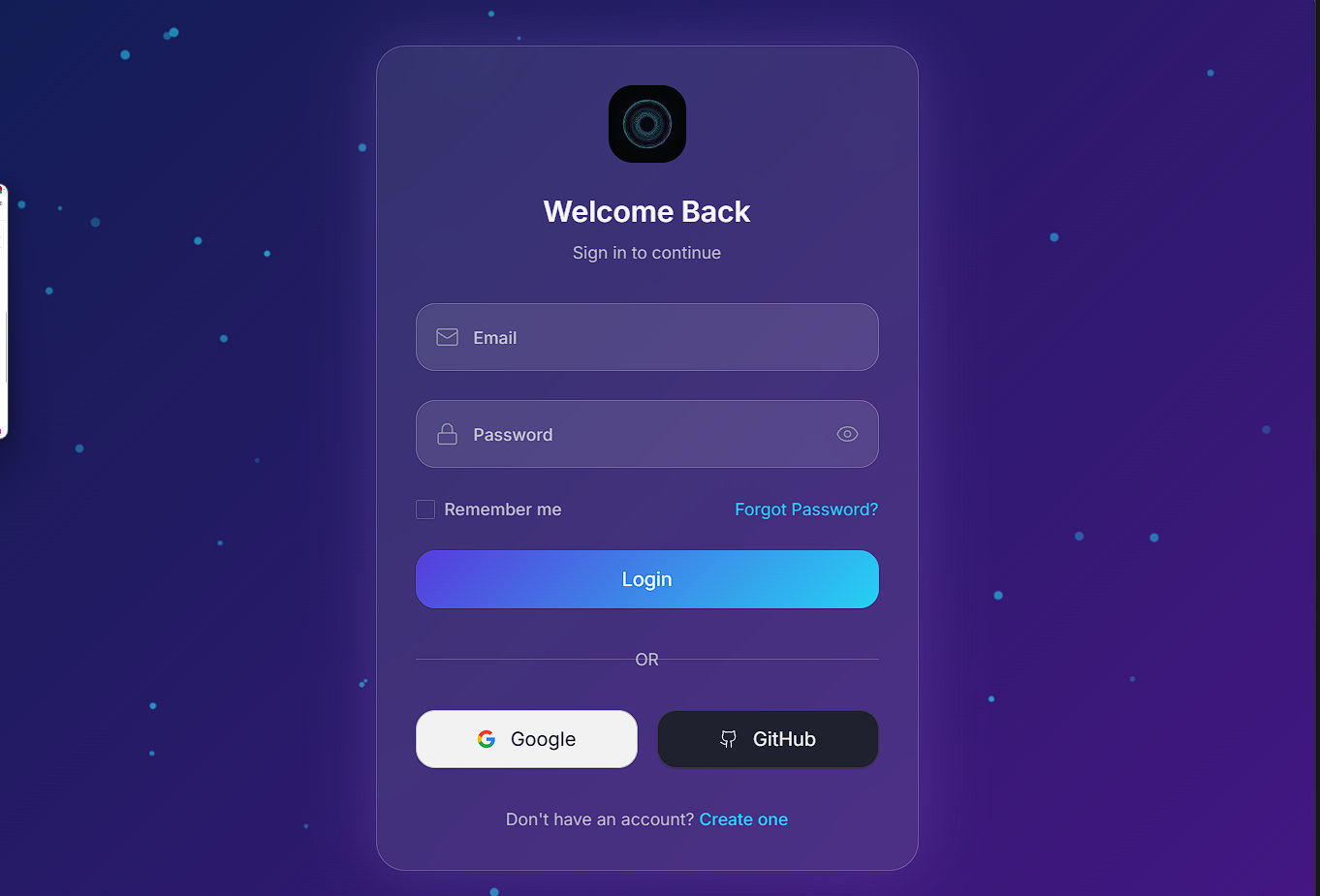
1. Sign Up or Log In
Create your free account at dev.animaapp.com. It takes only a few seconds. You can also sign up quickly using Google.
2. Prepare Your Design or Idea
Create your screens in Figma or write a short, clear description of what you want to build. Clear instructions help the AI understand your idea more accurately.
For Example:

3. Paste and Let the AI Build
Go to the Playground, paste your Figma link or idea, and click generate. The AI creates complete, clean code with proper layout, colors, and functional components.
4. Preview, Edit, and Launch
Check the live preview, make small adjustments if needed, then copy the code or publish your app online.
Result :
You move from concept to a working product in minutes instead of weeks.
The Role of Anima AI
The standout feature of Anima is its intelligent AI engine. Many tools generate messy or incomplete code. Anima focuses on preserving your original design, including spacing, colors, alignment, and overall feel.
This allows you to create functional apps quickly without spending hours fixing layout issues later. The goal is simple: turn your idea or design into a real, testable product as fast as possible.
Our Honest Take: When Anima Is the Right Tool
Anima is not built to replace full development teams for very large or complex systems. It is designed for practical, everyday use. It works best in early-stage startups, side projects, prototypes, and idea validation.
It may not be ideal for extremely complex internal enterprise tools. But for most modern websites and web apps, Anima fits naturally. It removes the slow and frustrating development steps so you can launch faster.
Start for free today at dev.animaapp.com. Sign up, paste your first Figma design, and see the transformation happen. Once you try it, you will be surprised how quickly you can build something real.