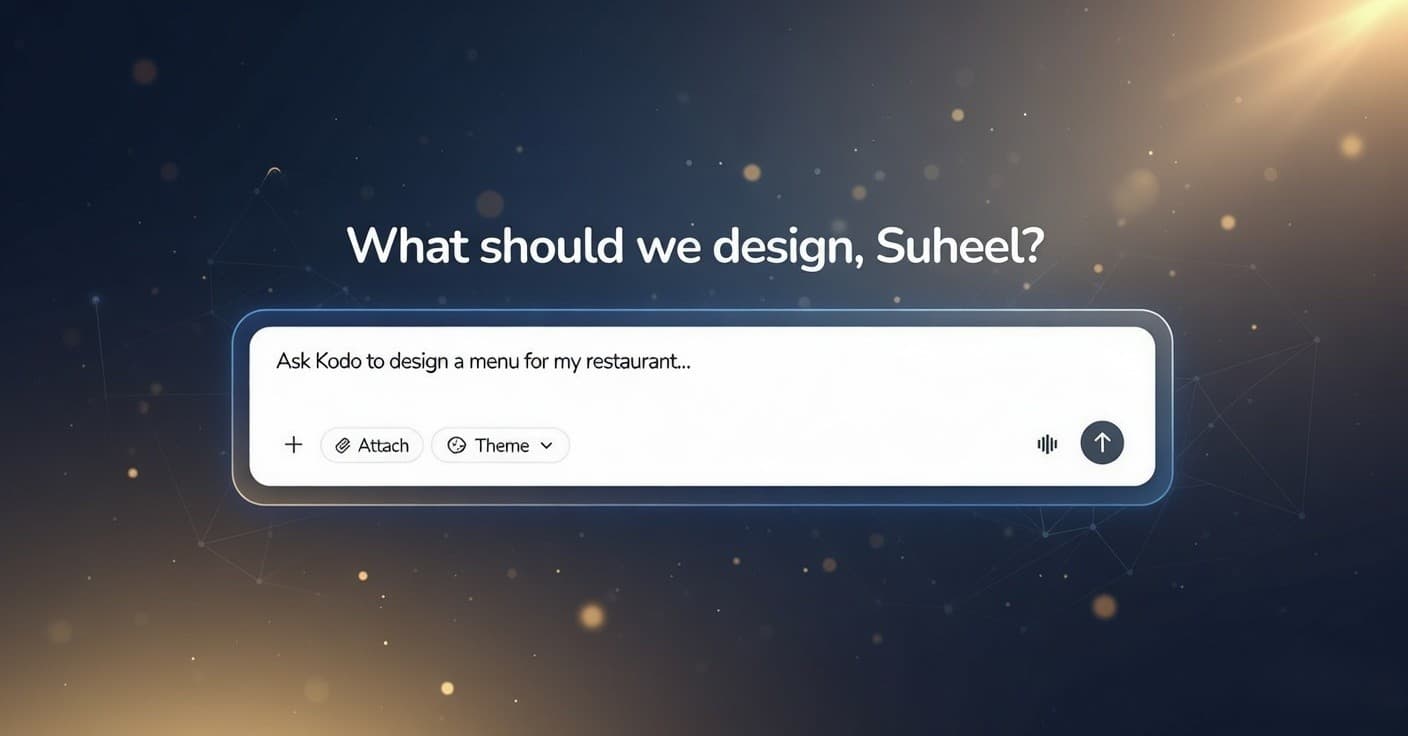
Creating designs used to take too much time. You have a great idea for a poster, flyer, or social media graphic, but then you spend hours learning tools like Canva or Photoshop. Sometimes you need a designer or expensive software. Because of this, many creative projects get stuck, and good ideas never see the light of day.
Kodo fixes this problem. It is a free AI tool at kodo.ai that turns your simple description into beautiful professional designs, layouts, and graphics in minutes. You just type what you want and get ready-to-use files you can edit, download, and share right away. The change is simple. You stop fighting with design software and start seeing your ideas come alive almost instantly.
Who Can Use Kodo And What You Can Create
The best thing about Kodo is that anyone can use it. You do not need design skills or a big budget. Small business owners, students, social media users, event planners, and freelancers can make eye-catching visuals fast and for free.
Kodo is perfect for everyday creative needs. It works with ideas for posters, flyers, business cards, social posts, menus, invitations, or infographics. It creates clean layouts, colors, fonts, and images that match your style. It is not just a basic maker. Its smart AI understands your words and gives you real options in plain terms. You can build something simple for a party or for your brand, professionally, without learning any new tools.
Four Steps to Create Your First Design
From your idea to a ready graphic, the whole process takes only minutes.
1. Sign Up or Log In
Create your free account at kodo.ai. It takes just a few seconds. You can sign up quickly using Google.
2. Type Your Idea or Pick a Type
Write a short description of what you want, like "fun birthday invite with balloons," or choose from ready categories for posters, cards, or social media.
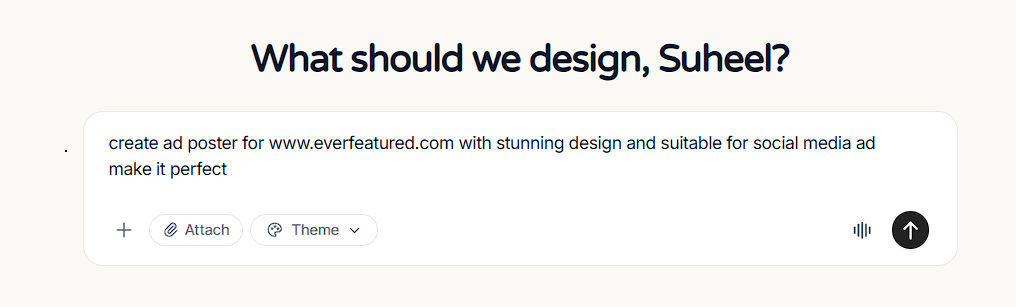
3. Let the AI Build the Design
Kodo reads your words, selects the best layout, adds colors and images, and automatically creates full options. It even suggests tweaks for better results.
4. Review, Edit, and Download
Check the live preview, make small changes if needed, then export as PNG, PDF, or JPG and share with your friends or print it.
Result
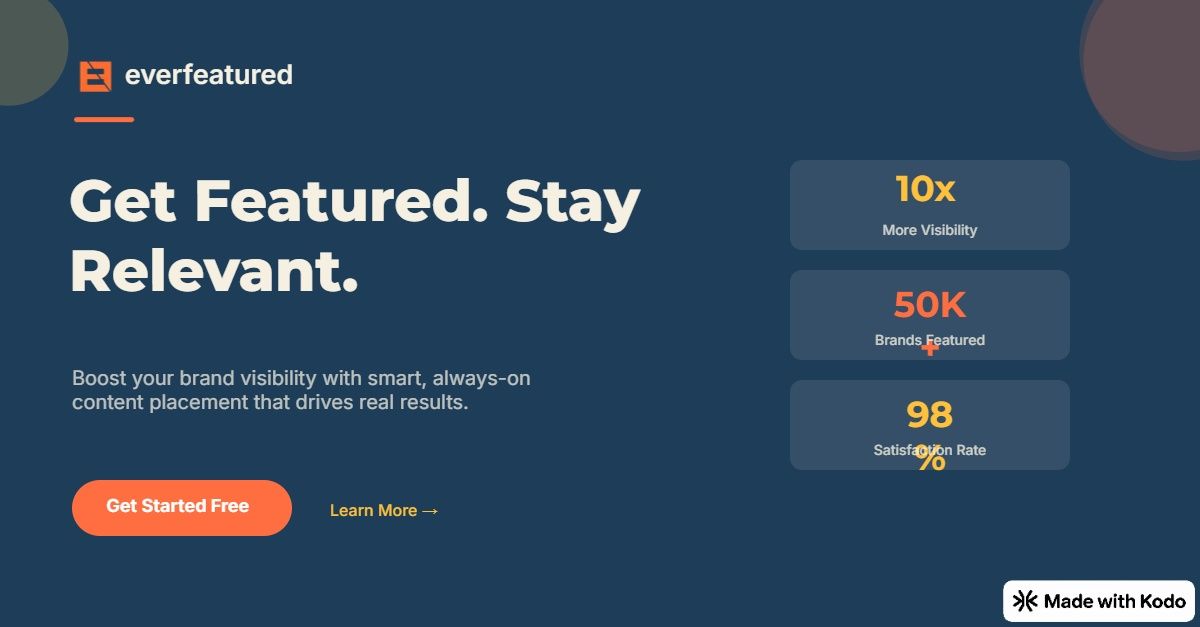
You go from a rough idea to a polished design in minutes instead of hours or days.
The Role of Kodo AI
The special part of Kodo is its smart AI creator. Many tools force you to start from scratch or use templates that feel boring. Kodo keeps your vision fresh, with custom colors, fonts, and images that fit perfectly.
This AI lets you make unique designs quickly without design classes. The goal is simple. Turn your everyday idea into a pro-looking piece fast so you can use it right away.
Our Honest Take: When Kodo Is the Right Tool
Kodo is not meant to replace full design teams for very big branding projects. It is built for everyday use. It works best for quick needs like social posts, event invites, or small business graphics.
It may not be perfect for super detailed art like logos from scratch. But for most simple creative tasks, Kodo fits naturally. It removes the slow, frustrating parts so you can focus on your idea instead of the tools.
Start for free today at kodo.ai. Just sign up, type your first idea, and see the magic happen. Try it once, and you will be amazed at how fast you can create something great.


