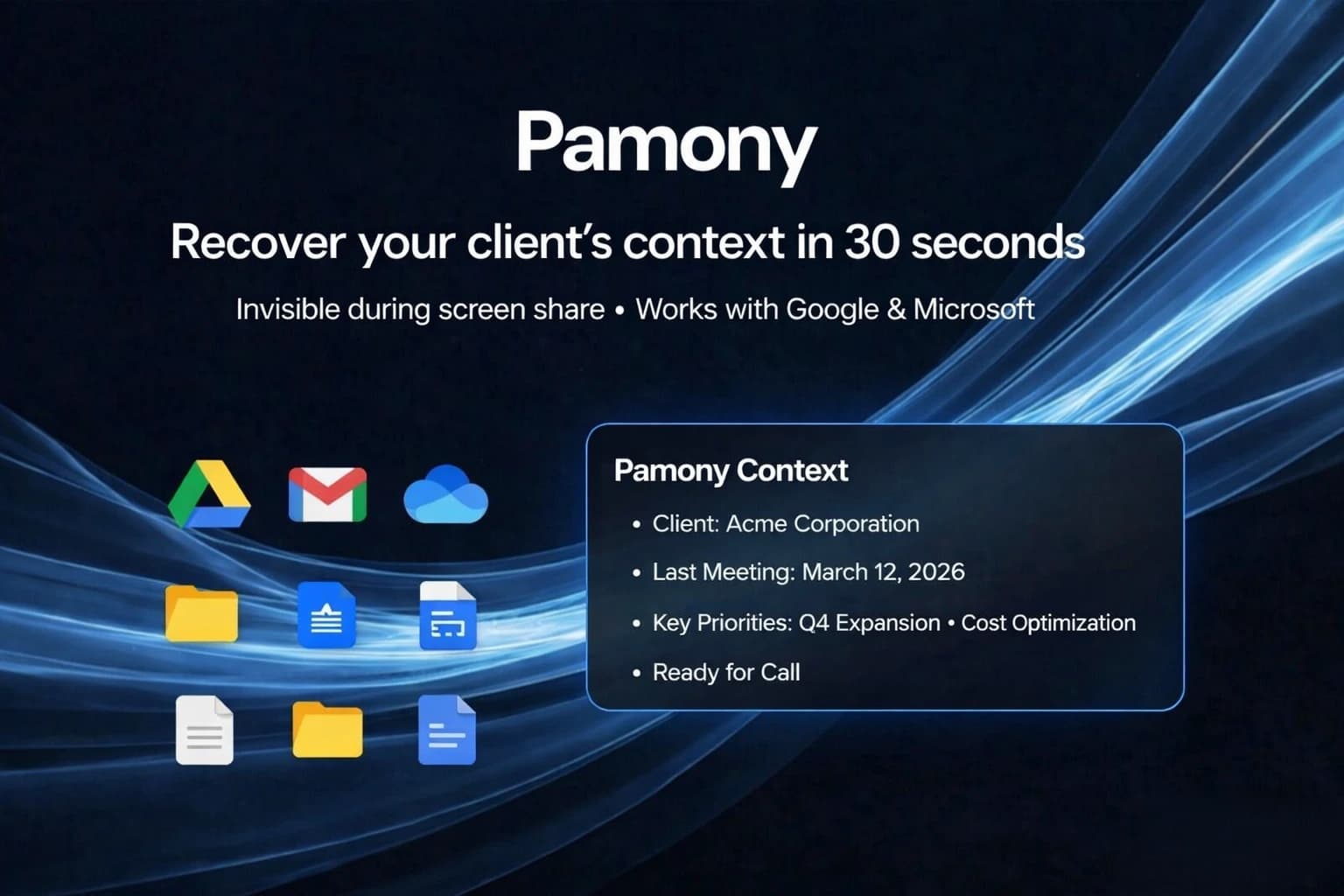
Pamony: Auto-prep your meetings in 30 seconds and reclaim your billable hours.
Every consultant, agency owner, and freelancer knows the quiet financial drain of unbillable hours. If you have three or four client calls in a single afternoon, the cognitive load of constantly switching contexts is exhausting. You easily spend 15 to 30 minutes before every single sync hunting down previous meeting notes, digging through nested Google Drive folders, and scanning deep email threads just to remember exactly where the project left off.
Relying on human memory when juggling multiple clients is a recipe for missed details. Preparing manually is a tedious, frustrating process that eats directly into your profit margins and leaves you feeling mentally drained before the meeting even begins.
Pamony changes this dynamic completely. It is a highly specialized, cross-platform intelligence tool designed to entirely automate your meeting preparation. Instead of scrambling five minutes before a Zoom call, Pamony seamlessly pulls your scattered data together to brief you in seconds, acting like a dedicated executive assistant.
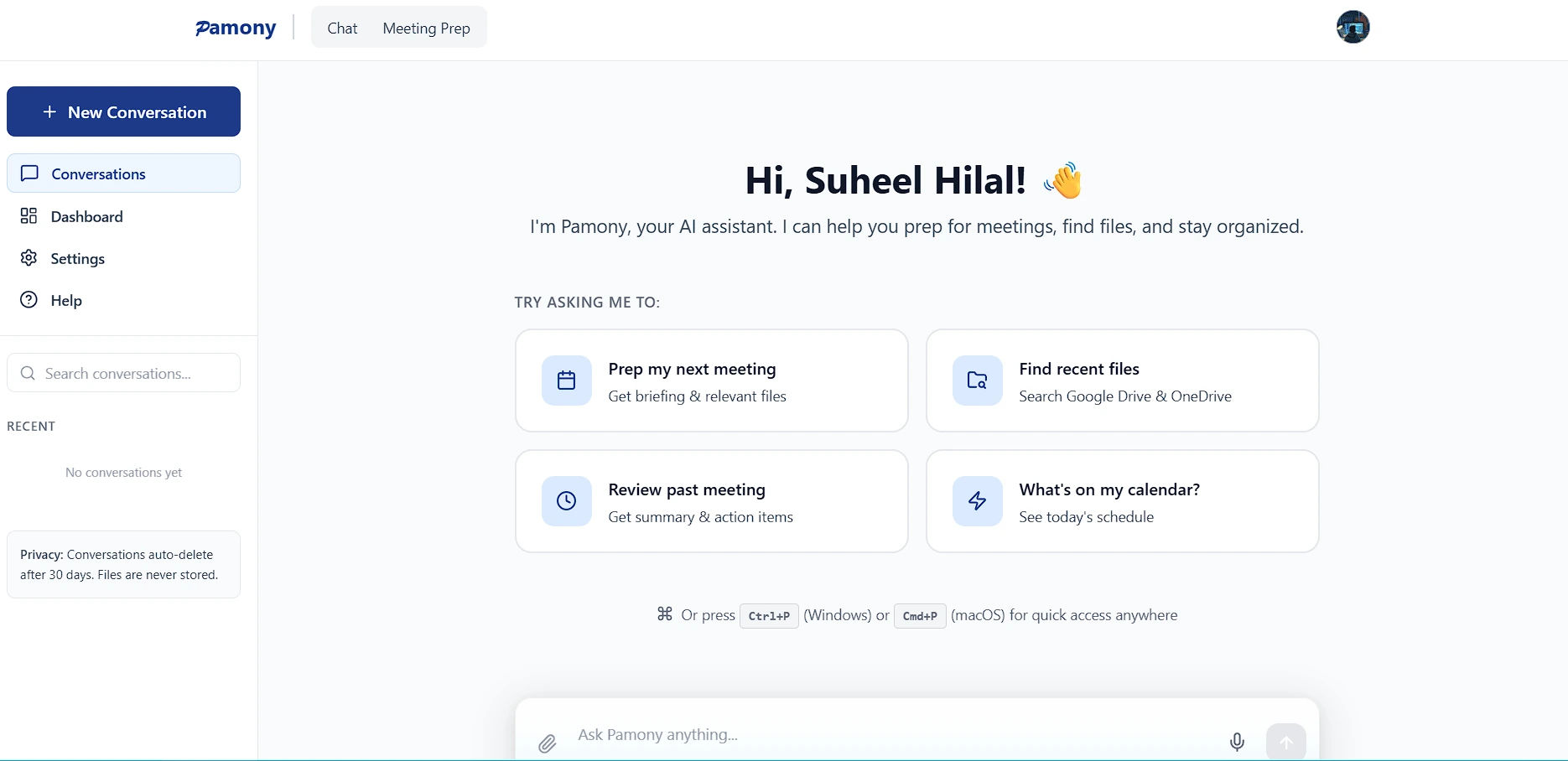 A clean, conversational interface ready to prep your next meeting or find recent files instantly.
1. The Core Features: Engineering Total Preparedness
Pamony is not just another generic AI chatbot that requires complex prompting. It is a targeted workflow automation tool built specifically for client-facing professionals who live their lives inside their calendars.
- Auto-Prep Meetings in 30 Seconds: You no longer need to manually review past interactions to figure out what needs to be discussed. Through the highly intuitive chat interface, you can simply click "Prep my next meeting." Pamony instantly analyzes your upcoming calendar events, cross-references your connected cloud platforms, and generates a comprehensive, easy-to-read briefing document in under half a minute. It highlights key talking points and flags relevant files automatically.
- Instant Quick Access (Global Shortcut): You do not even need to have the Pamony web app open to use it. The platform features a powerful global keyboard shortcut (
Ctrl+Pon Windows orCmd+Pon macOS) for quick access anywhere. Imagine a client asking about a specific metric from a report three weeks ago. Instead of panicking and clicking through folders, you hit the shortcut, type a quick query, and pull up the exact file or summary without breaking your workflow. - Invisible to Screen Shares: Absolute professionalism is critical during live client calls. Pamony operates completely invisibly to standard screen-sharing tools. You can pull up your AI-generated briefs, reference your talking points, and search for files while sharing your screen with a client. They will see your presentation, but they will never see the Pamony interface overlay, keeping your AI assistant completely discreet.
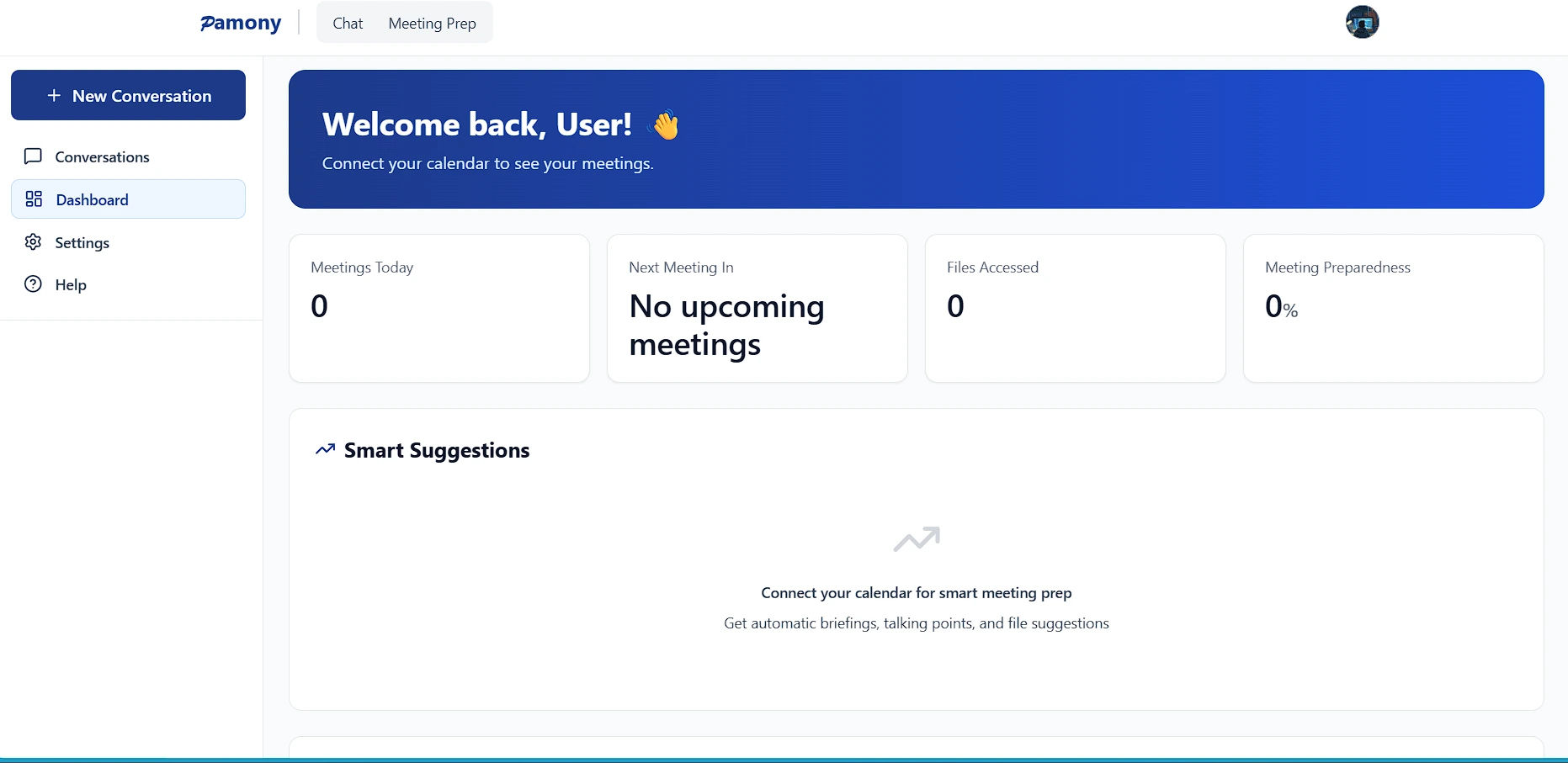 A centralized dashboard tracking your daily meetings, accessed files, and overall preparedness.
2. Cross-Platform Intelligence & Ironclad Privacy
Client context rarely lives in just one place. You might have the meeting scheduled in Outlook, the project proposal saved in Google Drive, and the financial spreadsheets stored in OneDrive. Pamony solves this fragmentation. It natively integrates with Google Workspace (Google Calendar, Google Drive) and Microsoft 365 (Outlook Calendar, OneDrive). It acts as an intelligent bridge, pulling the exact documents, slide decks, and historical notes you need from across your entire tech stack into one unified view.
Crucially, the platform gives you total, granular control over your data. Each service connects entirely independently, meaning there is no bundled access required. You only connect the specific tools you actually use and want Pamony to analyze.
Because Pamony is built for consultants who regularly handle proprietary data, Non-Disclosure Agreements (NDAs), and sensitive financial records, it operates on an incredibly strict privacy model. Your chat conversations auto-delete after 30 days. Most importantly, your actual client files are never stored on their servers, ensuring that your corporate data remains secure and compliant at all times.
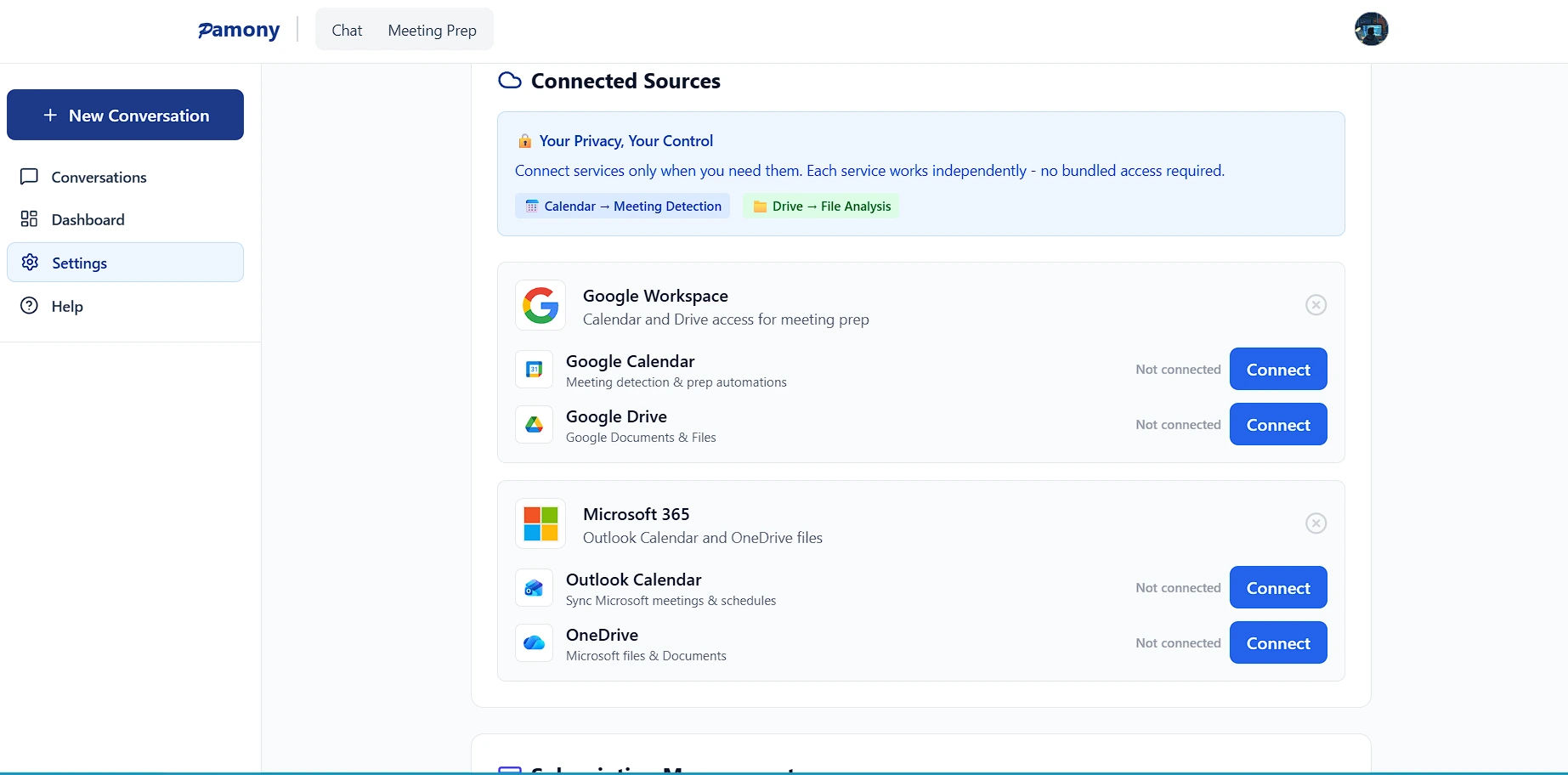 Seamless, independent integration with Google Workspace and Microsoft 365.
3. Who Benefits Most from Pamony?
While any busy professional can use Pamony, it offers an exceptionally high return on investment for specific roles:
- Freelancers and Independent Consultants: When you are a team of one, you do not have junior staff to prepare meeting briefs for you. Pamony acts as your personal chief of staff, allowing you to handle a larger client roster without burning out on administrative work.
- Agency Owners and Account Managers: Account managers constantly pivot between different client accounts, marketing campaigns, and ongoing crises. Pamony ensures that no matter who you are speaking to next, you instantly have their specific historical context right in front of you.
- B2B Sales Professionals: In high-stakes sales, walking into a discovery call unprepared can kill a deal instantly. Pamony allows sales reps to instantly pull up past interactions and relevant pitch decks, ensuring they always sound authoritative and informed.
4. Refreshingly Simple Pricing
The B2B software industry is currently plagued by hidden pricing, arbitrary feature gating, and the dreaded "Contact Sales" button for basic features. Pamony completely rejects this frustrating model. There are no tricks, no hidden enterprise tiers, and no limits on which integrations you can use. You get absolute access to all features on a single, straightforward pricing model.
- The Monthly Plan: Priced at $12 per month. This provides an incredibly generous 5,000 credits per month. As the platform notes, this costs less than $0.40 a day. If your hourly rate is $100, Pamony pays for itself by saving you just seven minutes of unbillable prep time per month.
- The Yearly Plan (Consultant's Choice): Priced at $120 per year. This tier gives you a massive 50,000 credits per year and saves you $24 annually compared to the month-to-month option. It provides absolute peace of mind for heavy users who take multiple calls a day.
Both plans include 30-second auto-prep, cross-platform intelligence, complete cloud drive integration, and the invisible screen share feature. There are no contracts, and you can easily cancel at any time.
Our Honest Opinion
Pamony is a brilliant, elegant execution of a highly specific use case. It does not try to be an all-in-one project management workspace that takes weeks to learn. Instead, it identifies one of the most annoying, time-consuming, and unprofitable parts of a consultant's day and completely automates it.
The cross-platform intelligence is the real differentiator here. The ability to automatically connect a newly scheduled calendar invite to the relevant Google Drive documents without any manual searching is a massive quality-of-life improvement. Furthermore, the global quick-access shortcut and the strict auto-delete privacy policies prove that the developers truly understand the daily realities, workflows, and security needs of their target audience.
Your time is your only true inventory. Stop giving it away for free in the form of unbillable meeting preparation.
Try Pamony today at pamony.com. Auto-prep your next meeting in 30 seconds and start reclaiming your billable hours.


