The Problem Developers Run Into All the Time
When developers build applications locally, everything works perfectly on their machine. A local server runs, APIs respond instantly, and the development workflow feels smooth.
But the moment someone else needs to see that project, things become complicated.
A teammate wants to test a feature.
A client needs to preview progress.
A webhook service requires a public callback URL.
Suddenly the developer has a problem: localhost isn’t accessible from the internet.
The common solution has traditionally been tunneling tools, port forwarding, or deploying temporary servers. But those options often require setup, installation, or infrastructure management.
For something as simple as sharing a local app, the process often feels unnecessarily heavy.
A Simpler Way to Expose Localhost
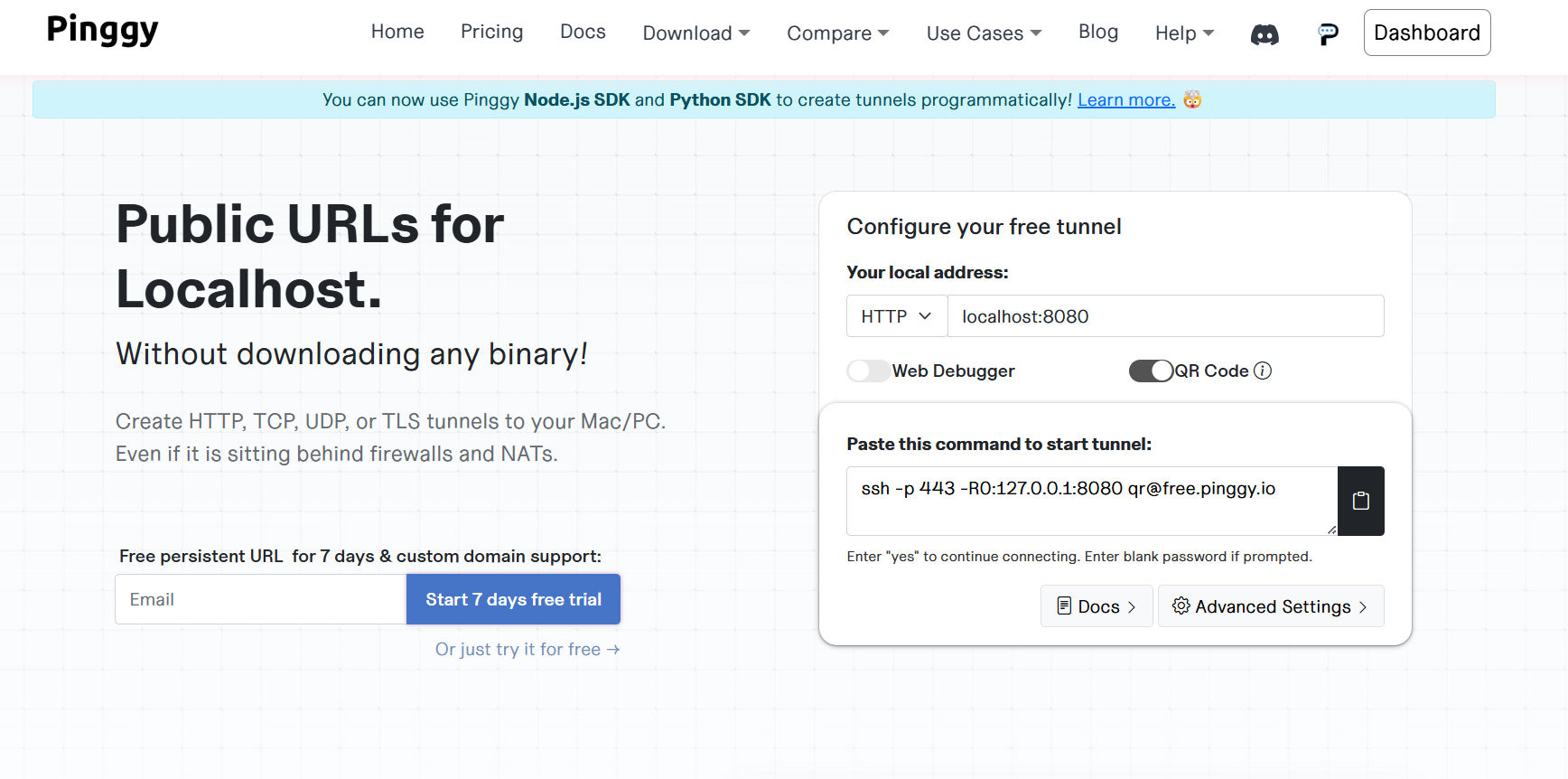
Pinggy approaches this problem from a much simpler perspective.
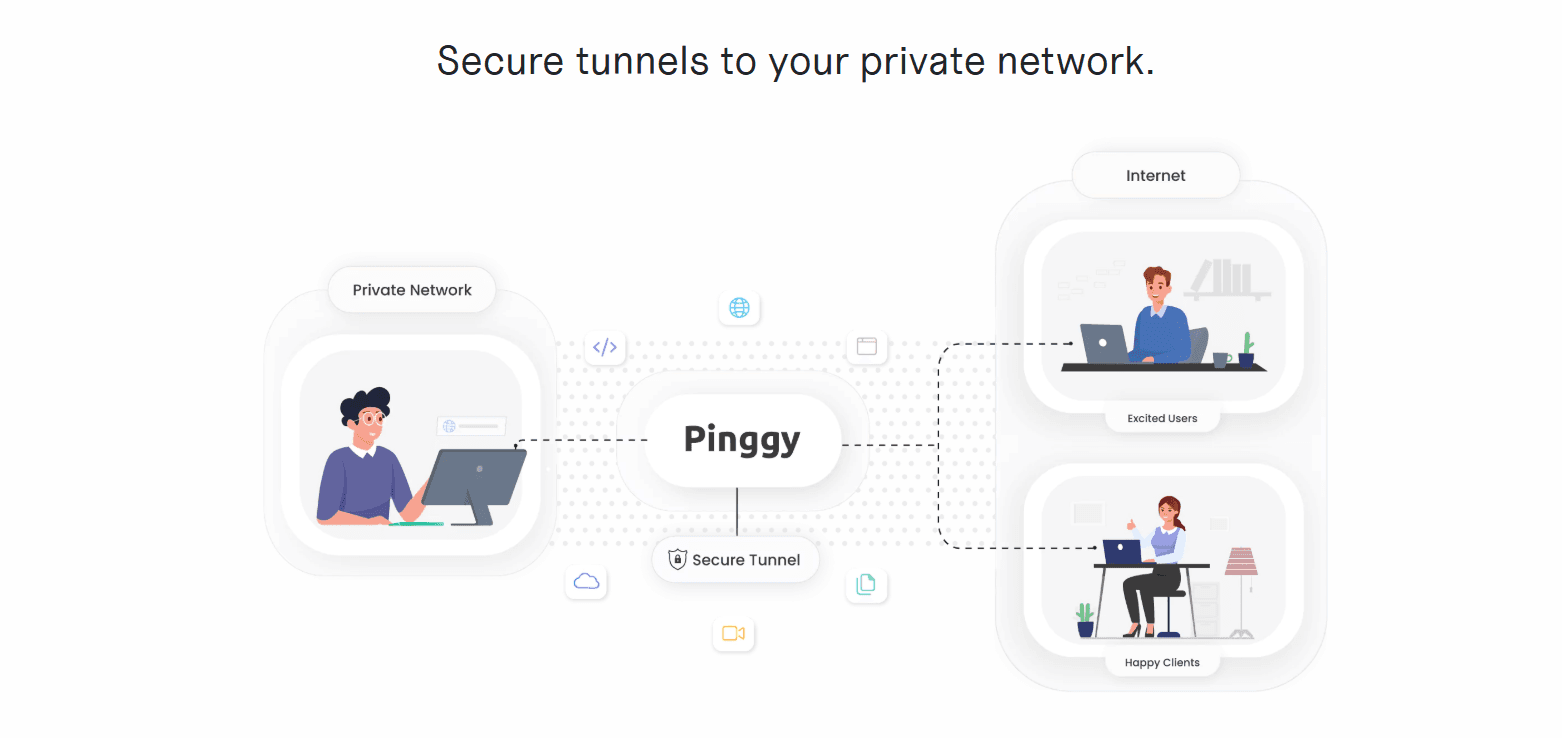
Instead of installing complex software or configuring servers, developers can create a secure tunnel from their local machine directly to the internet.
With one command, a local server becomes accessible through a public URL. Anyone with that link can open the project in a browser as if it were hosted online.
The idea is straightforward but powerful: turn a local environment into a shareable web address instantly.
Pinggy works by creating secure tunnels that forward internet traffic to a local machine, allowing external access to applications running on localhost.
Why Traditional Tunneling Tools Feel Heavy
Many tunneling tools work well, but they often introduce friction for small tasks.
Developers usually have to:
- install software
- create accounts
- configure authentication
- manage dashboards
For large teams, this workflow may be acceptable. But for individual developers, prototypes, and quick testing, it slows things down.
Pinggy takes a different route by simplifying the entire process. Instead of requiring downloads, the service can run directly from a terminal command using SSH tunneling.
This minimal approach removes many of the usual barriers developers face when exposing local environments.
Turning Your Local Server Into a Public Website
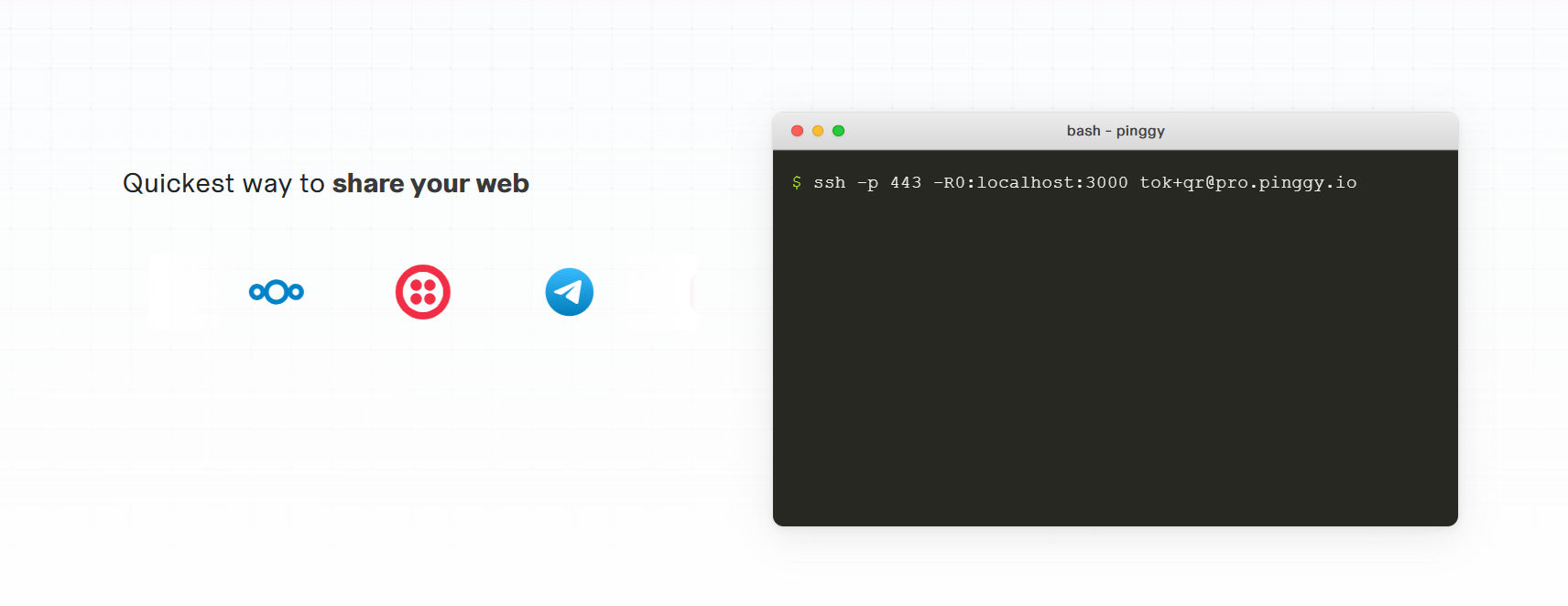
Once a tunnel is created, Pinggy generates a public URL connected to your local machine.
That means:
- a web application running on
localhost:3000 - a testing API endpoint
- a development preview
can instantly become accessible online.
This capability is particularly useful when applications need to receive external requests, such as webhooks or authentication callbacks.
Because most local servers are hidden behind firewalls and private networks, they normally cannot be accessed from the internet. Tunneling services solve this by routing external traffic through a secure connection.
Pinggy simplifies that entire process to just a few steps.
How to Use Pinggy
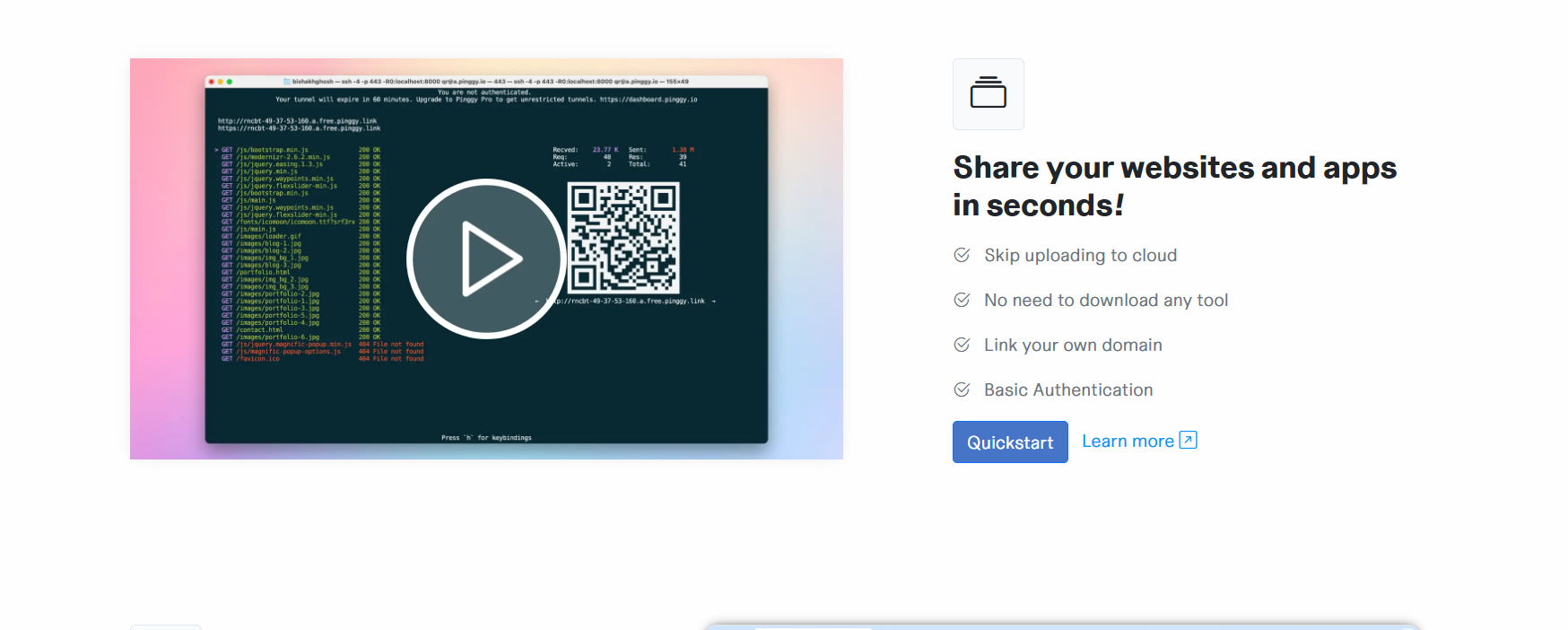
Getting started is intentionally straightforward.
First, run your application locally. This could be a Node.js server, Python API, or any service running on a port such as localhost:8000.
Next, open your terminal and run a simple SSH command that creates a secure tunnel to Pinggy's servers.
For example:
ssh -p 443 -R0:localhost:8000 free.pinggy.io
This command forwards internet traffic to your local server port.
Within seconds, Pinggy generates a public URL that points directly to your local application. Anyone visiting that link can interact with your app as if it were deployed online.
No deployment process is required.
Where Tools Like This Become Useful
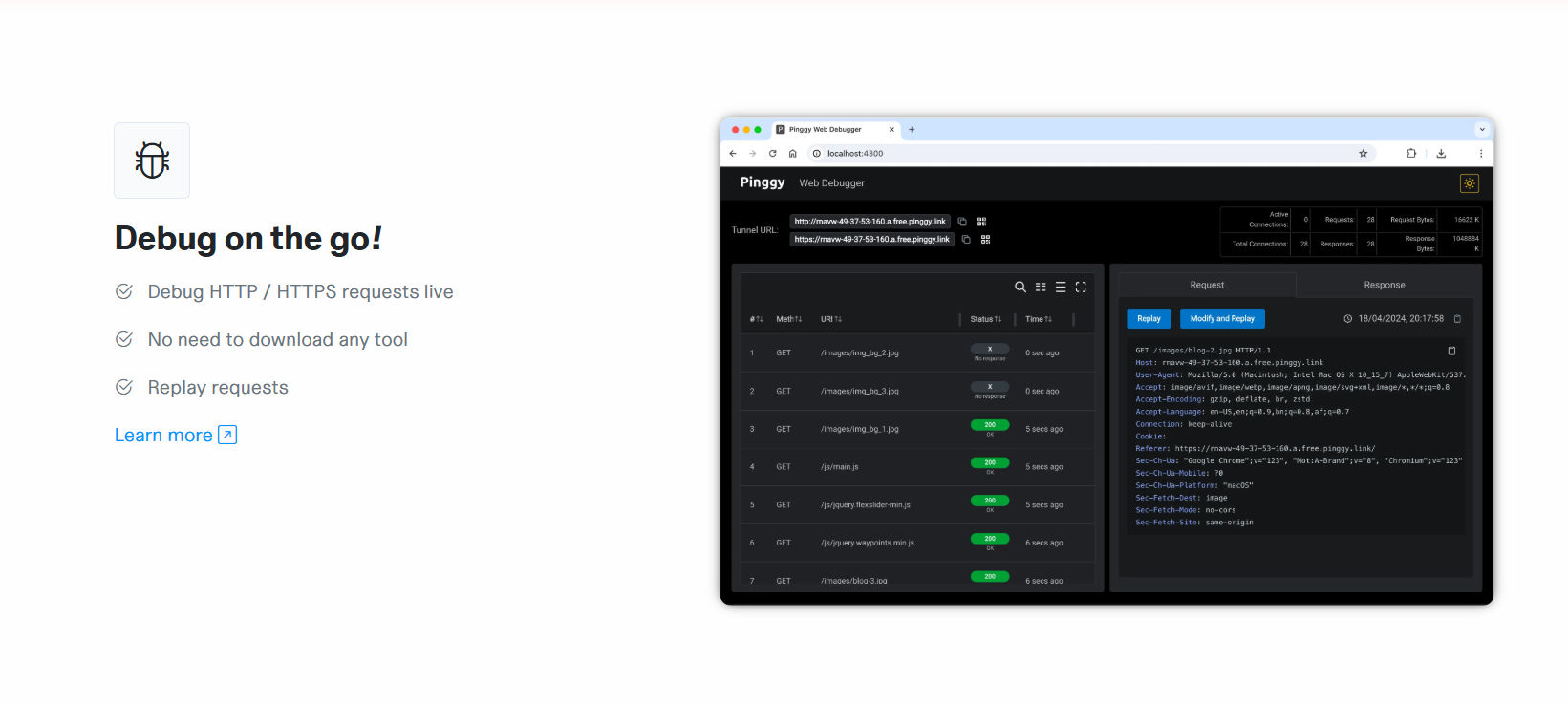
Although the concept is simple, the practical use cases are extensive.
Developers commonly use local tunneling tools for:
- webhook testing
- client demos
- mobile app testing
- API development
- remote collaboration
Instead of deploying unfinished code to servers, developers can safely share their local environment for testing and feedback.
For teams working remotely, this also makes collaboration easier. A developer can quickly share progress without setting up staging environments or temporary hosting.
The Bigger Shift Toward Micro Infrastructure
Modern development workflows are becoming increasingly modular.
Instead of maintaining full servers for every small task, developers rely on lightweight services that handle specific problems efficiently.
Deployment platforms handle hosting.
APIs provide functionality.
Tunneling tools connect local environments to the internet.
Pinggy fits naturally into this ecosystem by removing the friction around local sharing and testing.
Small tools like this may not always attract headlines, but they quietly improve developer productivity every day.