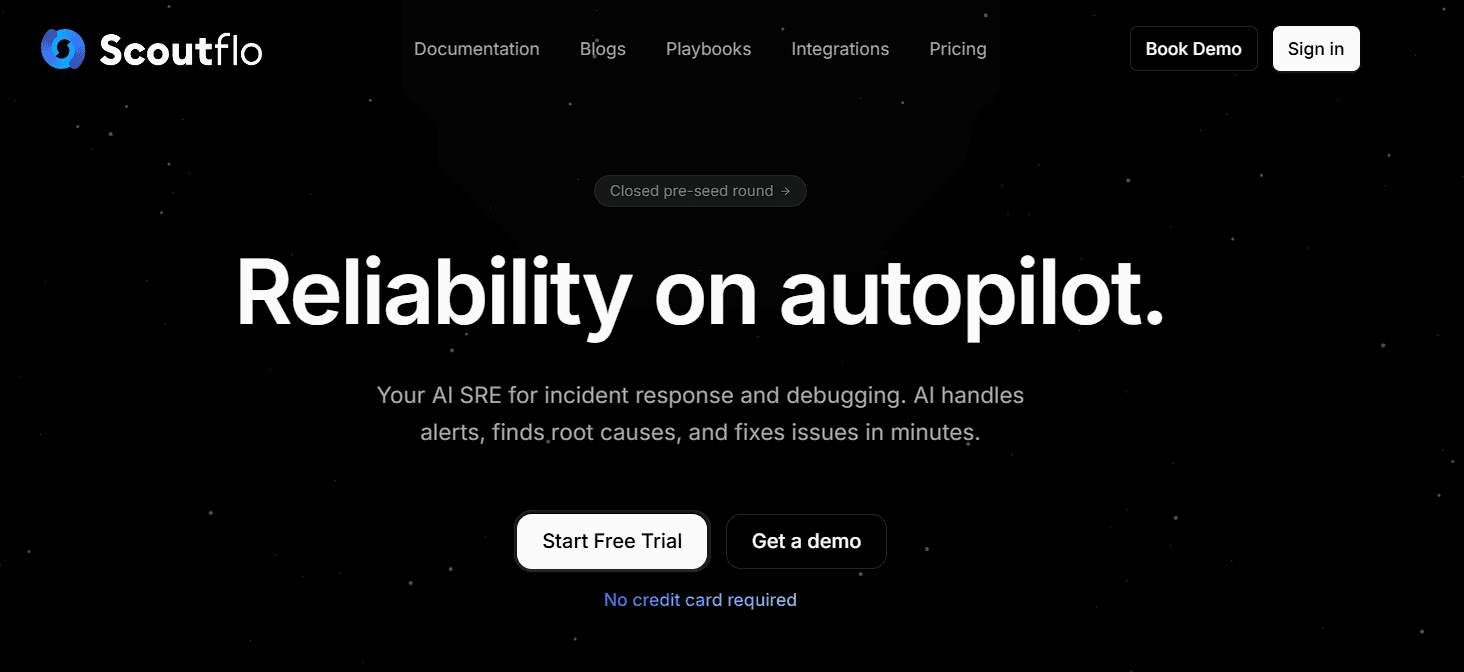
Handling tech issues in your apps or systems used to take too much time. Engineers spend hours looking through logs, metrics, and alerts to find what's wrong. Sometimes you need a whole team or expensive tools to fix things. Because of this, small problems turn into big delays, and your business loses money while waiting.
Scoutflo fixes this problem. It is a free AI tool at scoutflo.com that turns your system data into smart insights and fixes for incidents in minutes. You just connect your setup and get ready-to-use reports and solutions you can apply right away. The change is simple. You stop wasting time on debugging and start keeping your apps running smoothly almost instantly.
Who Can Use Scoutflo And What You Can Do
The best thing about Scoutflo is that anyone in tech can use it. You do not need a big team or fancy skills. Developers, engineers, startup founders, DevOps people, and small business owners can handle issues fast and for free.
Scoutflo is perfect for everyday app management. It works with cloud setups, open-source tools, Kubernetes, and more. It finds root causes, reduces alerts, and suggests fixes. It is not just a basic monitor. Its smart AI understands your data and gives you real advice in plain words. You can solve crashes, improve speed, and manage deployments without writing complex code.
Four Steps to Fix Your First Issue
From your data to a quick fix, the whole process takes only minutes.
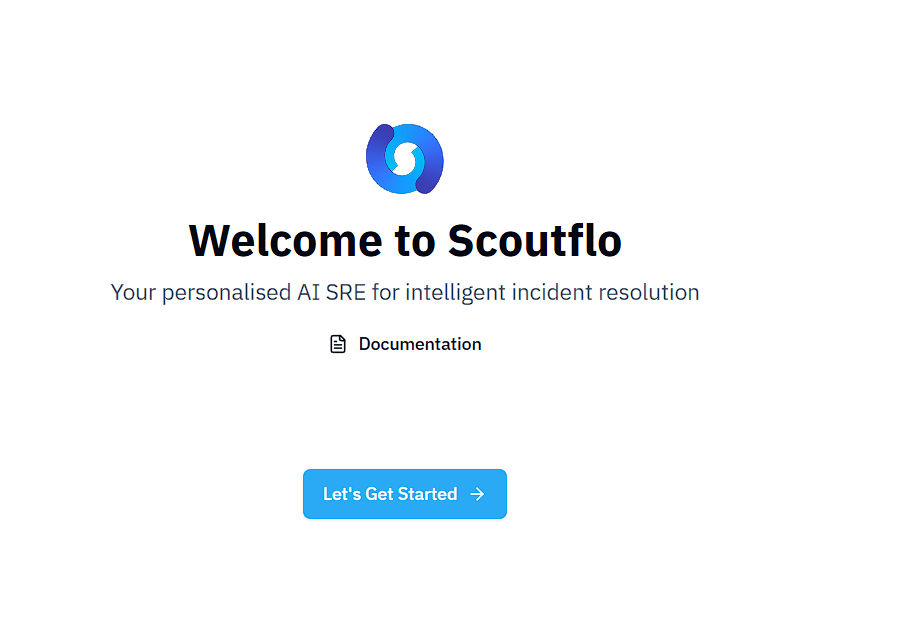
1. Sign Up or Log In
Create your free account at scoutflo.com.
You must use a business email to sign up because normal personal emails are not allowed.
You can use Resend (recommended), Proton Mail, or another business email provider.
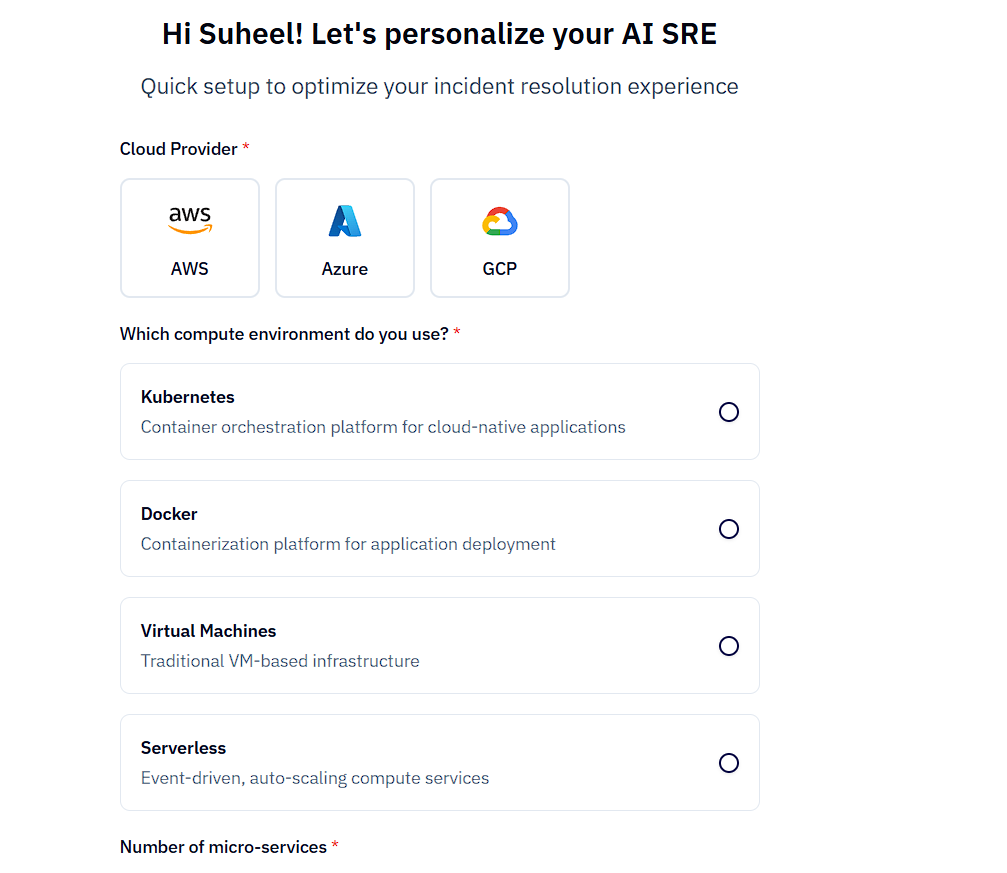
2. Connect Your Setup
Link your cloud infrastructure, logs, metrics, or applications such as Kubernetes.
Scoutflo provides ready-to-use integrations for quick and simple setup.
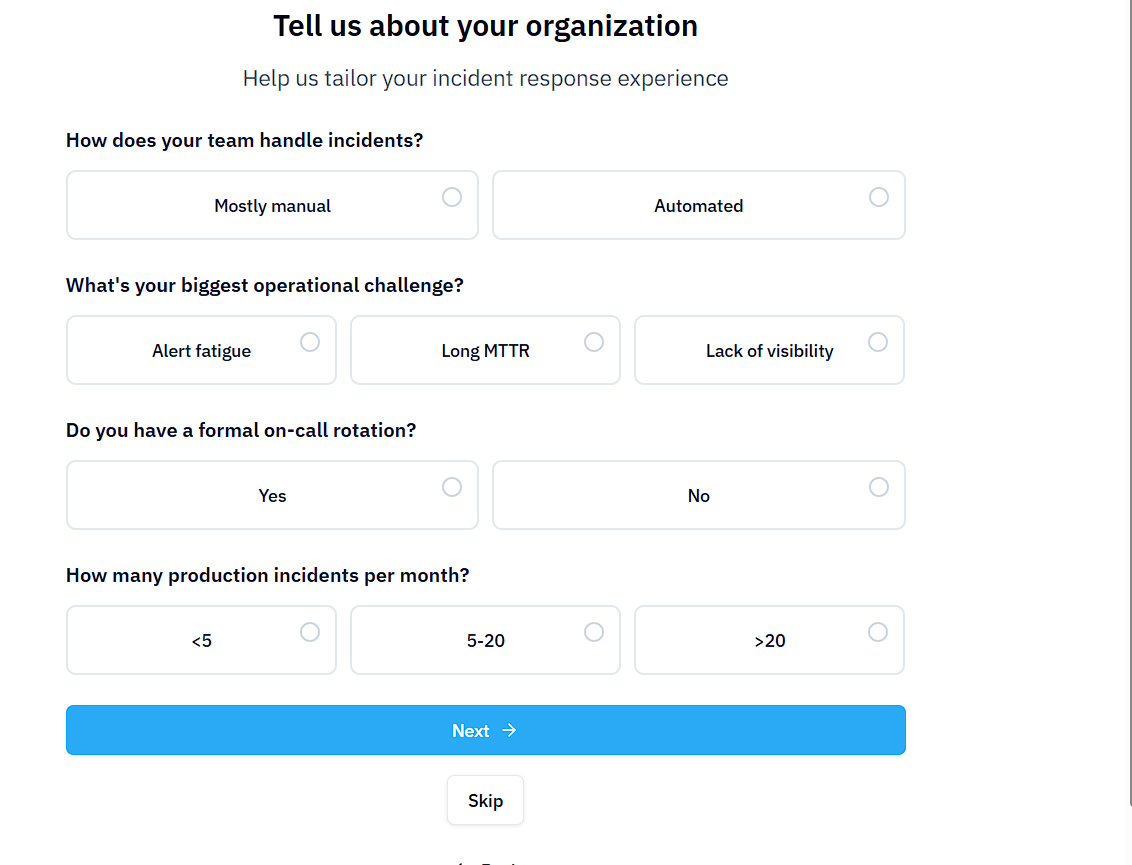
3. Organization Details (Optional)
Scoutflo may ask for some organization-related details.
This step is optional, and you can skip it and complete it later.
4. Connect Your GitHub (Optional)
You can also connect your GitHub repository so Scoutflo can analyze deployments and code changes.
If you prefer, you can skip this step and connect it later.
5. Access the Dashboard
After completing the setup, you will be redirected to the Scoutflo dashboard, where you can monitor systems, view alerts, and manage incidents.
6. Let the AI Check and Fix
Scoutflo reads your alerts, identifies patterns, spots the problem, and automatically suggests fixes. It even forecasts issues.
7. Review, Apply, and Go
Check the insights, make small changes if needed, then apply the fix and watch your system improve.
The End Result:
You go from a broken app to a smooth-running system in minutes instead of hours or days.
The Role of Scoutflo AI
The special part of Scoutflo is its smart AI engineer. Many tools just show data without help. Scoutflo keeps everything clear, accurate, and easy to act on. It explains problems in simple English and points out what to do next.
This AI lets you fix issues quickly without expert help. The goal is simple. Turn your tech troubles into fast wins so you can focus on building instead of breaking.
Our Honest Take: When Scoutflo Is the Right Tool
Scoutflo is not meant to replace full DevOps teams for very big systems. It is built for everyday use. It works best for startups, small teams, open-source apps, and quick fixes without stress.
It may not be perfect for super complex custom setups. But for most normal app issues, Scoutflo fits naturally. It removes the slow, painful parts so you can keep things running without losing sleep.
Start for free today at scoutflo.com. Just sign up, connect your first app, and see the magic happen. Try it once, and you will be amazed at how fast you can fix things.