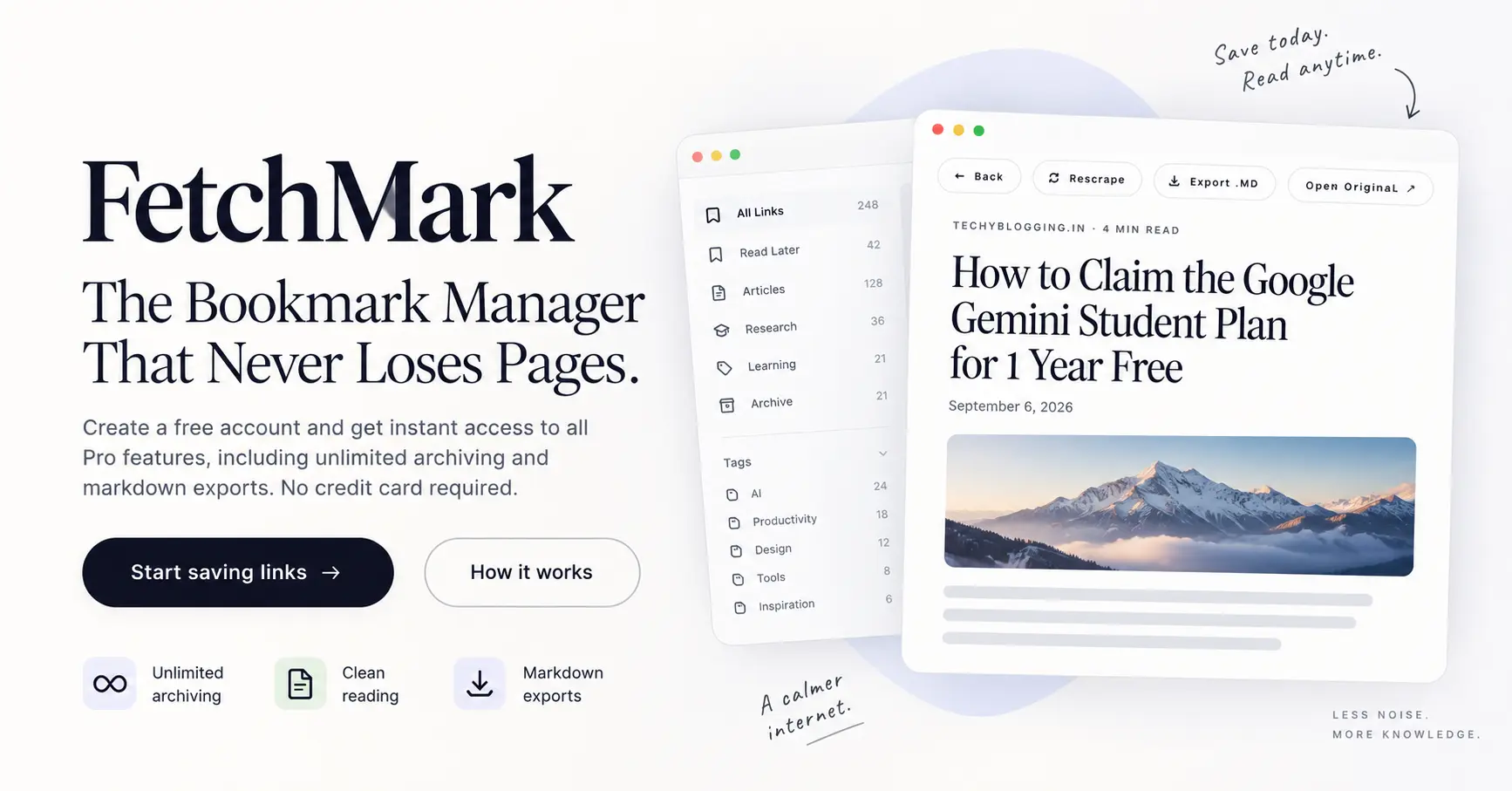
Digital content appears permanent, but the internet is constantly changing. Every day, web pages, news articles, technical guides, and personal blog posts vanish from the web. You might save an informative article today, only to open that bookmark a year later and meet a 404 error page, a broken domain, or an unexpected paywall.
This widespread issue is known as link rot. Research conducted by the Harvard Library Innovation Lab found that the average bookmark saved today has a 50% chance of being broken within a decade. This problem impacts academic papers, legal citations, and everyday reading lists. When you rely only on standard browser bookmarks, your saved reading list remains vulnerable to external site changes that are completely outside your control.
To protect your personal research, documentation, and reading history, you need an archiving system that saves and stores the actual text of an article rather than just its web address. This guide explains why web pages vanish, how article archiving works, and how to build a reliable reading library using modern tools like FetchMark.
Why Web Content Disappears: Understanding Link Rot
When you click the bookmark button in your web browser, you are not saving the content on the page. You are saving a URL path, which is simply a set of directions telling your browser where to find a page on a specific external server. If that server moves, renames, or deletes the file, your bookmark breaks.
Web pages vanish or become inaccessible for several routine reasons:
- Domain Expiration: Website owners often let domain registrations expire or choose to close down their sites, which causes all hosted pages to disappear.
- Site Redesigns and CMS Migrations: Organizations frequently update their website structures, content management systems, or URL patterns. If 301 redirects are not set up for old links, past URLs return broken page errors.
- Paywalls and Content Gating: Articles that were originally free to read are often placed behind subscription paywalls months or years after publication.
- Content Deletion: Publishers routinely clean up old archives, merge blog posts, or remove content during editorial site updates.
Because browser bookmarks rely on live server connections, they provide no security against site edits or domain closures.
Traditional Bookmarks vs. True Article Archiving
To protect your digital reading material over the long term, it is important to understand the difference between simple link pointers and complete local article archives.
| Feature | Traditional Browser Bookmarks | True Article Archiving |
|---|---|---|
| Data Saved | Web address (URL) only | Clean text, headings, and core images |
| Offline Access | No (requires an active internet connection) | Yes (saved copy remains locally accessible) |
| Reading Environment | Live web page with ads and sidebars | Ad-free reader view with clean typography |
| Link Rot Protection | None (fails if original site changes) | Complete (saved text remains intact) |
| Search Functionality | Title and domain address only | Full-text search across every word in the article |
| Data Ownership | Tied to browser vendor sync | Exportable to standard, open Markdown files |
When you use a simple link pointer, your access depends entirely on the publisher. When you use an article archive tool like FetchMark, you store the text itself in your private library.
How Web Archiving Works: The Three-Step Process
Modern web archiving transforms temporary online links into permanent personal knowledge through a simple, three-step process:
Step 1: Paste a Link
You start by adding a link to your library. You can drop any URL directly into the composer or use a browser extension to save a page in one click without leaving your current tab. This works for news articles, long-form essays, documentation pages, job postings, and technical guides.
Step 2: Extraction and Cleanup
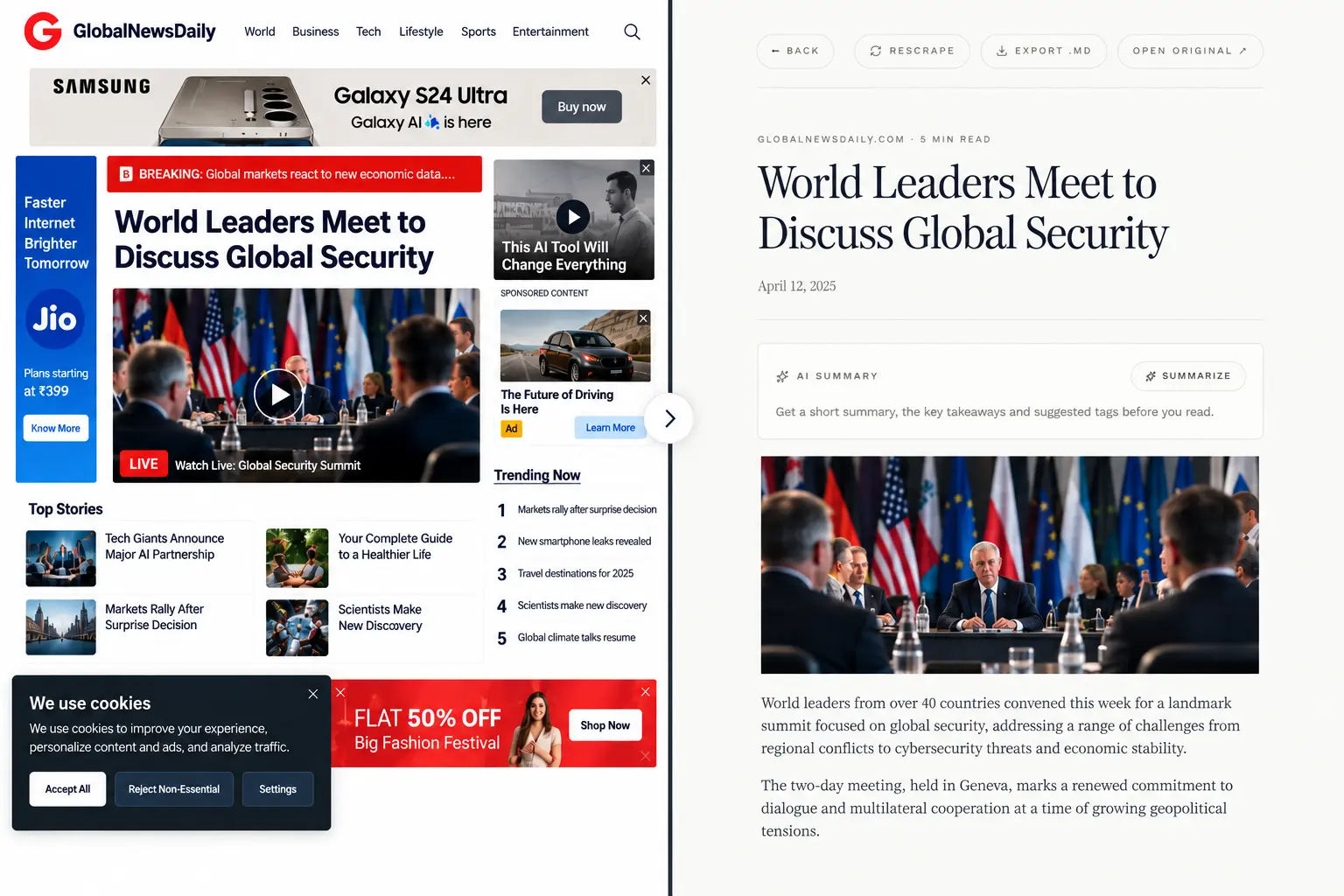
Once you submit a link, the archiving tool fetches the source web page and strips away non-essential elements. It removes banner advertisements, navigation bars, cookie banners, tracking scripts, floating video windows, and sidebars. The core body text, section headings, and primary images are preserved in a clean state.
Step 3: Permanent Storage and Distraction-Free Reading
The extracted text is stored safely in your account library. You can return at any time to read the article in a distraction-free reader view. Because the clean text is saved directly in your personal library, your archived copy remains fully readable even if the original website goes offline or deletes the post.
Core Features of an Effective Personal Archiving System
An effective article archiving system must offer practical tools that make reading, organizing, and retrieving information simple over time. Below are the key functional features provided by modern archiving tools like FetchMark:
1. Distraction-Free Reader View
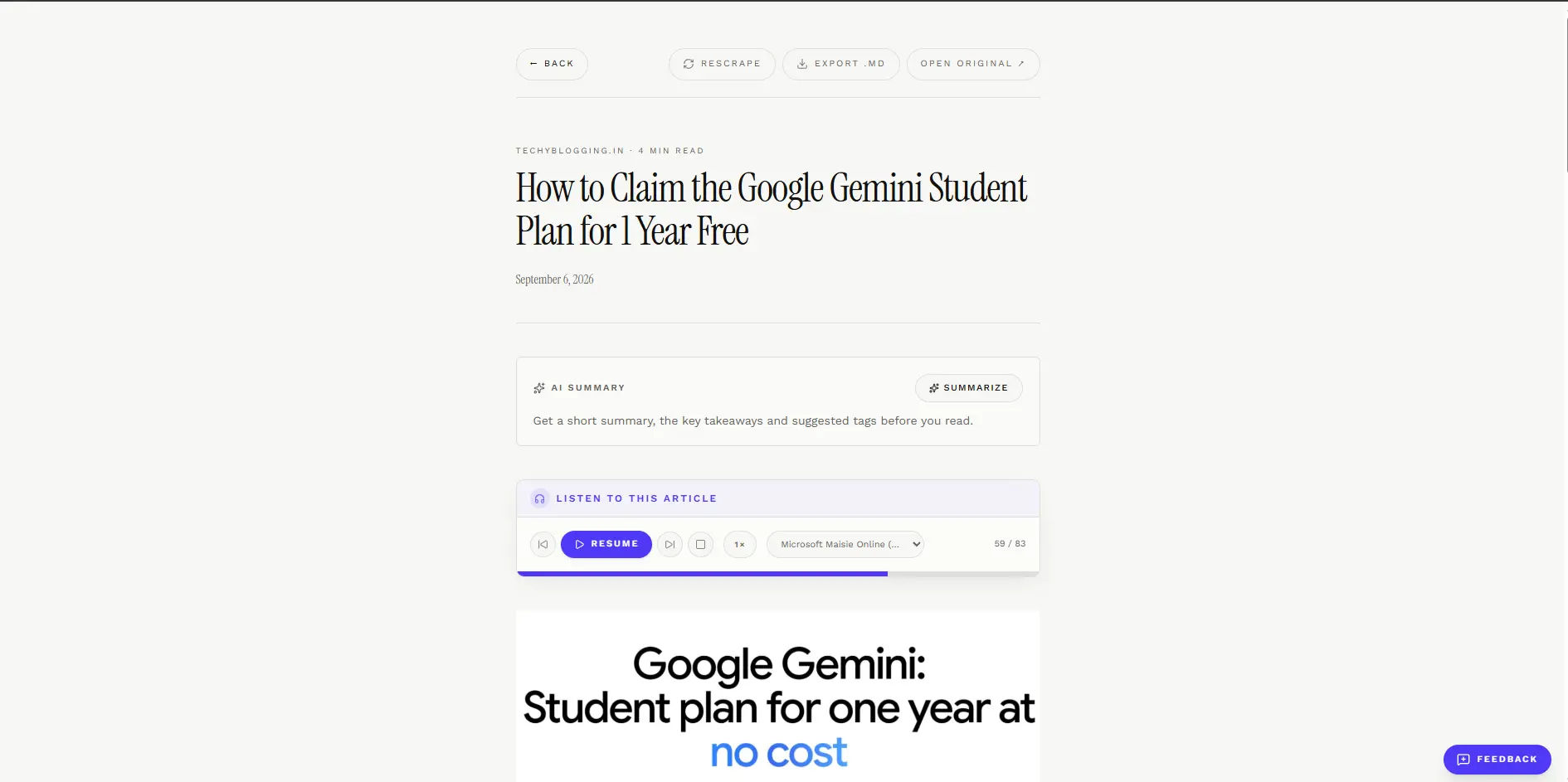
Reading on the live web often involves intrusive pop-ups, animated ads, and shifting page layouts that make sustained focus difficult. A clean reader view renders your saved articles in an ad-free format featuring generous margins, clear serif typography, and balanced line height for comfortable long-form reading.
2. Instant Full-Text Search
Organizing hundreds of saved articles into rigid folder hierarchies or manual tag lists takes time and often falls apart as your library grows. Full-text search solves this by indexing every word across titles, source URLs, and article body text. Using a simple ⌘K shortcut, you can search for a specific quote, technical term, or author name and instantly pull up the exact article.
3. Text Highlighting and Marginal Notes
Saving information is only the first part of personal research. Working directly with the text helps turn reading into lasting understanding. You can select specific sentences within an archived article to save direct quotes, or attach personal margin notes alongside the text to record your thoughts while reading.
4. One-Click AI Summaries
When managing a large reading list, deciding which articles require immediate reading can be challenging. AI-assisted summaries generate quick, structured takeaways for saved articles, allowing you to assess core concepts before committing to a full reading.
5. Universal Importer
If you already use older bookmarking tools, transferring your collection should not require manual copying. A universal importer allows you to migrate your existing library from platforms like Pocket, Instapaper, Raindrop, or standard CSV files in a single batch operation.
6. Offline Reading
An archiving tool should not depend on a constant internet connection to view saved materials. Storing article text locally ensures your entire library remains readable on laptops or mobile devices, even while traveling or working in areas with poor network coverage.
7. Chrome Extension Integration
Having to copy URLs, open new tabs, and paste links creates friction. A browser extension lets you capture the page you are currently viewing with a single click, saving the article directly to your library without breaking your browsing focus. No extension? No problem — FetchMark also has an inbuilt clipper that works on any browser including Firefox, Zen, Helix, and Samsung Browser.
8. Listen Mode
Reading on screens for long periods can cause eye strain. Listen mode uses text-to-speech audio to read saved articles aloud, allowing you to catch up on your reading list while walking, cooking, or commuting.
9. Markdown Export and Open Data Standards
Data lock-in is a serious risk when using digital software. If a service changes its policies or closes down, you should be able to take your data with you. Exporting saved articles to clean, open Markdown (.md) files ensures that your research remains readable in any plain-text editor or note-taking application for decades to come.
Data Security, Account Privacy, and Access Tiers
When building a personal archive of research and reading notes, data security and privacy are fundamental requirements.
Account Privacy and Row-Level Security
Your reading list reflects your personal interests, research projects, and daily focus. In FetchMark, every saved article, highlight, and note is strictly scoped to your private account and protected by row-level database security. This guarantees that your reading data remains confidential and inaccessible to third parties.
Open Beta Access and Pricing Structure
FetchMark is free to use. During Open Beta, all Pro features (unlimited archiving, AI summaries, Markdown export) are unlocked for free, no credit card required. All saved articles stay safe.
How to Build an Efficient Daily Archiving Workflow
Integrating web archiving into your daily routine does not require complicated rules. Follow these four practical steps to maintain an organized personal library:
- Capture as You Browse: Whenever you find an article, documentation page, or essay that you cannot read immediately, save it using your browser extension rather than leaving open browser tabs.
- Filter with AI Summaries: Periodically review your unread list. Use one-click AI summaries to scan key points and determine which items warrant a complete read and which can be archived for reference.
- Read and Annotate in Reader View: Open saved pieces in clean reader view to eliminate ad distractions. Select key quotes to create highlights and add brief marginal notes as you read.
- Export Critical Notes: For major research projects, export your annotated articles into plain-text Markdown files and save them into your primary local folder or note-taking application for permanent offline storage.
Verdict
Relying on standard browser bookmarks leaves your reading material at the mercy of web changes, paywalls, and domain closures. FetchMark provides a practical solution to link rot by saving clean, permanent text copies directly to your private library. With zero costs during its Open Beta, row-level data privacy, and full Markdown export options, it offers a future-proof system for anyone serious about collecting, reading, and preserving valuable online content.


